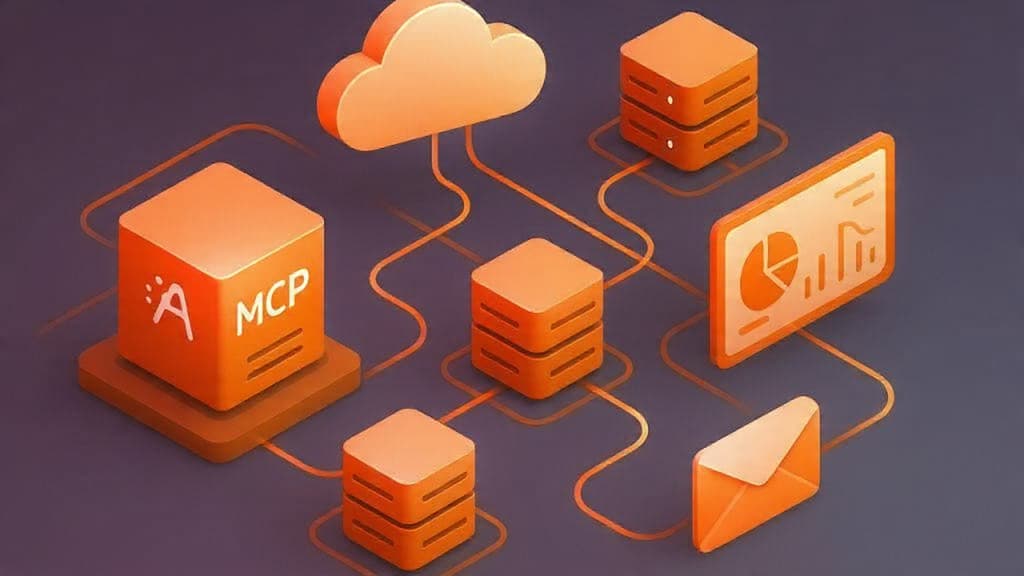
What is Model Context Protocol?
Model Context Protocol (MCP) is an open protocol that lets large language models call tools, browse structured data, and interact with external systems over a standard interface.
Instead of baking every integration directly into a model, MCP defines a common way to expose tools like “get current time,” “run a query,” or “call an internal API” and make them discoverable to any MCP-capable client.
Why start with a time server?
Time is a perfect “hello world” for MCP because it is:
- Simple to implement yet dynamic on every request.
- Easy to validate against your system clock or another trusted source.
- Immediately useful for assistants that schedule meetings, generate reports, or reason about SLAs across regions.
For Everflow’s consulting work, a small time MCP server is an easy pattern to reuse for internal utilities: health checks, environment-aware configuration, or service diagnostics exposed to AI copilots.
Minimal EST time MCP design
A minimal time server only needs a single tool that returns the current time in Eastern timezone.
The interface can be as simple as a get_current_time tool that accepts an optional timezone parameter but defaults to America/New_York for EST/EDT.
- Tool name:
get_current_time - Arguments:
timezone(string, optional) – defaults toAmerica/New_York
- Response:
timezone: the IANA zone used (for example,America/New_York)datetime: RFC 3339-style timestamp including offset (for example,2024-01-01T13:00:00-05:00)is_dst: boolean flag indicating whether daylight saving time is active.
This mirrors patterns from existing MCP time servers and makes it easy for clients to reason about offsets and DST transitions.
Full Python MCP server example
The following example uses the official Python MCP SDK to expose get_current_time over stdio so tools like Claude Desktop, Cursor, or custom agents can connect.
import asyncio from datetime import datetime from zoneinfo import ZoneInfo from mcp.server import Server from mcp.types import Tool, TextContent # Create the MCP server server = Server("everflow-time-server") @server.list_tools() async def list_tools() -> list[Tool]: """Expose a single tool: get_current_time.""" return [ Tool( name="get_current_time", description="Get the current time in a given timezone (defaults to America/New_York).", input_schema={ "type": "object", "properties": { "timezone": { "type": "string", "description": "IANA timezone, e.g. 'America/New_York'.", } }, "required": [], }, ) ] @server.call_tool() async def call_tool(name: str, arguments: dict) -> list[TextContent]: """Handle tool execution.""" if name != "get_current_time": raise ValueError(f"Unknown tool: {name}") tz_name = arguments.get("timezone", "America/New_York") tz = ZoneInfo(tz_name) now = datetime.now(tz) iso_value = now.isoformat() # Basic DST detection jan = datetime(now.year, 1, 1, tzinfo=tz) jul = datetime(now.year, 7, 1, tzinfo=tz) is_dst = now.utcoffset() in {jul.utcoffset(), max(jan.utcoffset(), jul.utcoffset())} payload = { "timezone": tz_name, "datetime": iso_value, "is_dst": is_dst, } return [TextContent(type="text", text=str(payload))] if __name__ == "__main__": # Run over stdio so MCP clients can connect asyncio.run(server.run_stdio())
To run this, install the MCP Python SDK (for example with pip install mcp or the package name specified in the official repository) and execute python everflow_time_server.py.
The server will speak MCP over stdin/stdout, which is the standard transport used by desktop clients and many agent frameworks.
Wiring it into an AI client
Most MCP-aware clients let you register a server by specifying the command and arguments used to start it.
A typical configuration entry looks like this, pointing to the script above:
{ "mcpServers": { "everflow-time": { "command": "python", "args": ["path/to/everflow_time_server.py"] } } }
Once configured, your assistant can:
- Discover the
get_current_timetool vialist_tools. - Call it with or without a
timezoneargument and embed the result directly into responses, logs, or downstream workflows.
This tiny EST server is a starting point for a richer internal MCP catalog at Everflow, where AI copilots can safely call into cloud governance tools, observability backends, or data platforms using the same pattern.

Comments
Loading comments...